
NNoBarrier
Windows beta

Understand the game, not just the menu.

NoBarrier translates on-screen game subtitles in real time and can prepare game text in advance with Pre Memory for faster, more consistent results.

Local-first options Multiple target languages Account-based access
NOBARRIER / LIVE
Live Translation
Pre Memory
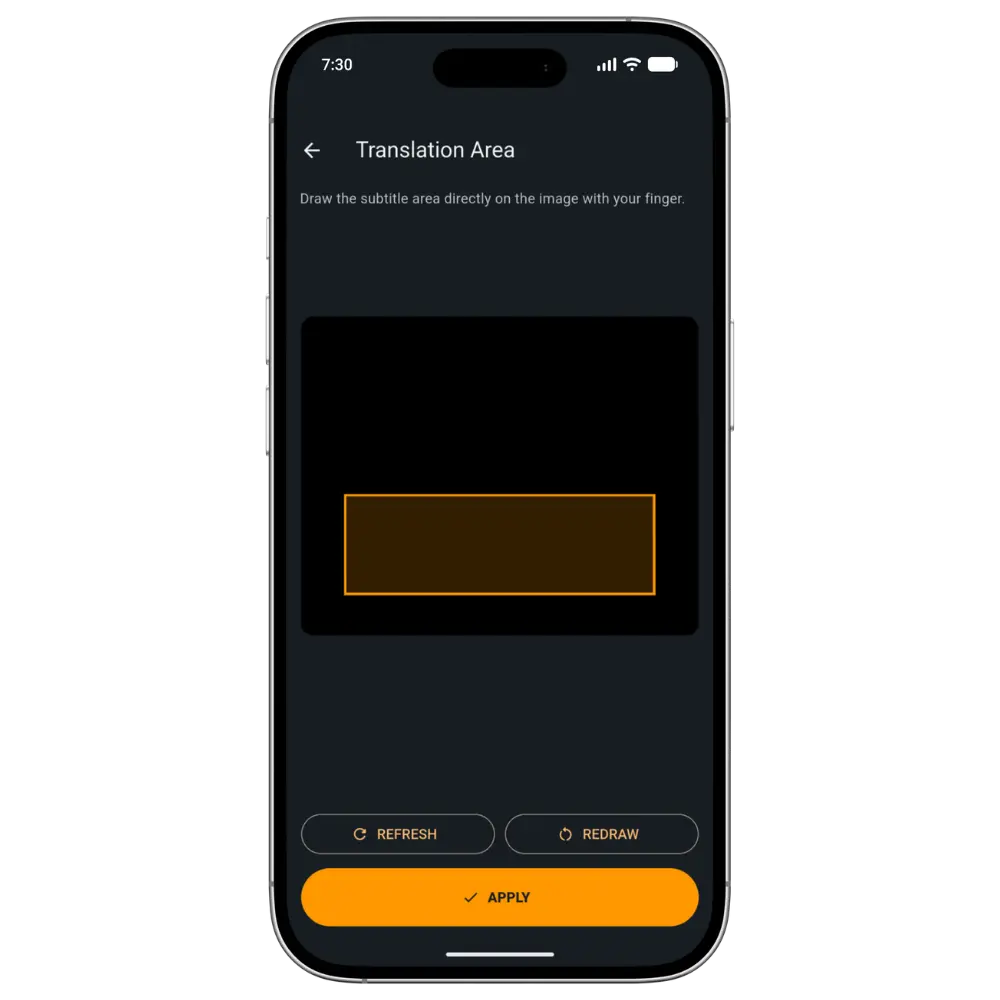
Capture Area
Translation modeActive
Smart OCR

Detected subtitle

The gate will not open without the old seal.

EN → TR

Overlay output

Eski mühür olmadan kapı açılmayacak.

Route

Memory hit

Latency

Instant

Core workflow

Translation built around how games actually behave.

NoBarrier combines OCR, local translation, optional cloud quality, and reusable memory instead of forcing every subtitle through one slow route.

Live Translation

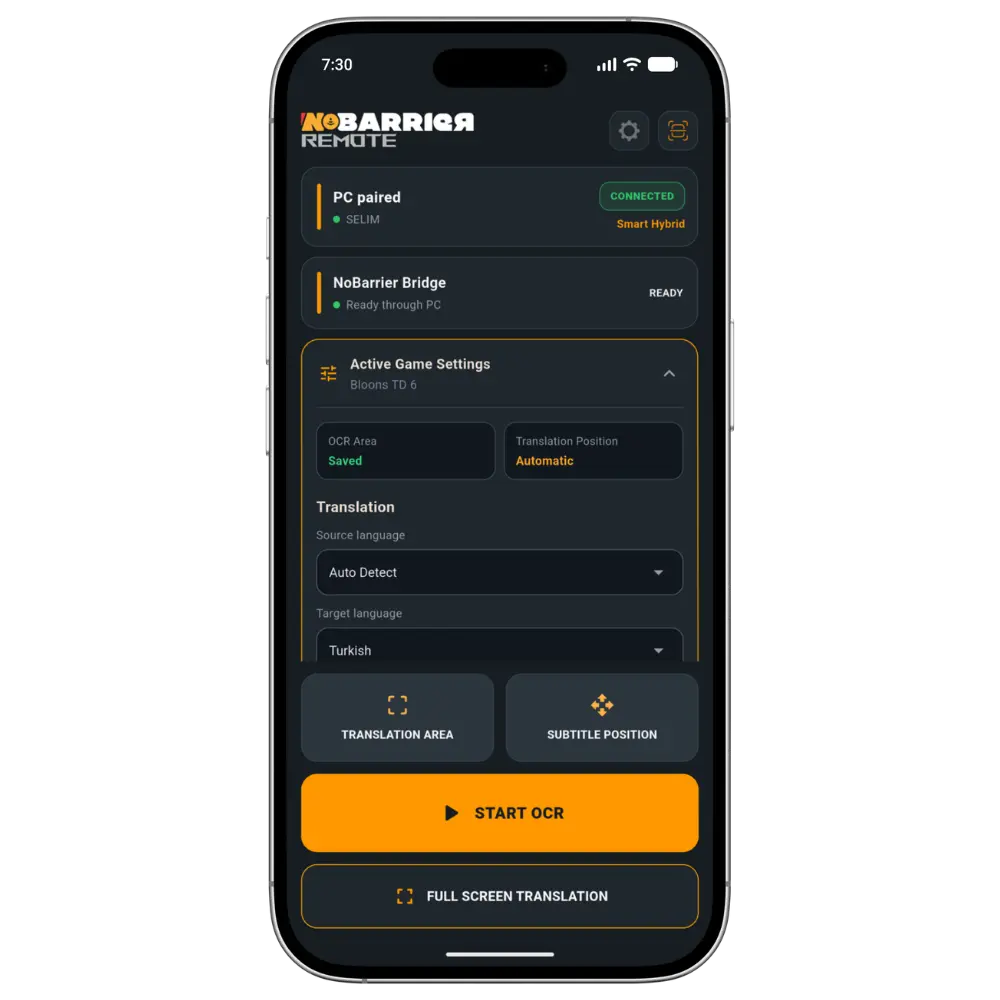
Capture game subtitles with OCR and show the translated line in a configurable overlay while you play.

Pre Memory

Prepare supported game text before playing, save it to translation memory, and surface matching lines instantly.

Hybrid quality routing

Use local translation for speed, cloud post-editing for quality, or memory hits when an approved translation already exists.

Learning tools

Turn translated words and short phrases into flashcards, quizzes, XP, ranks, and personal progress statistics.

Game-friendly overlay

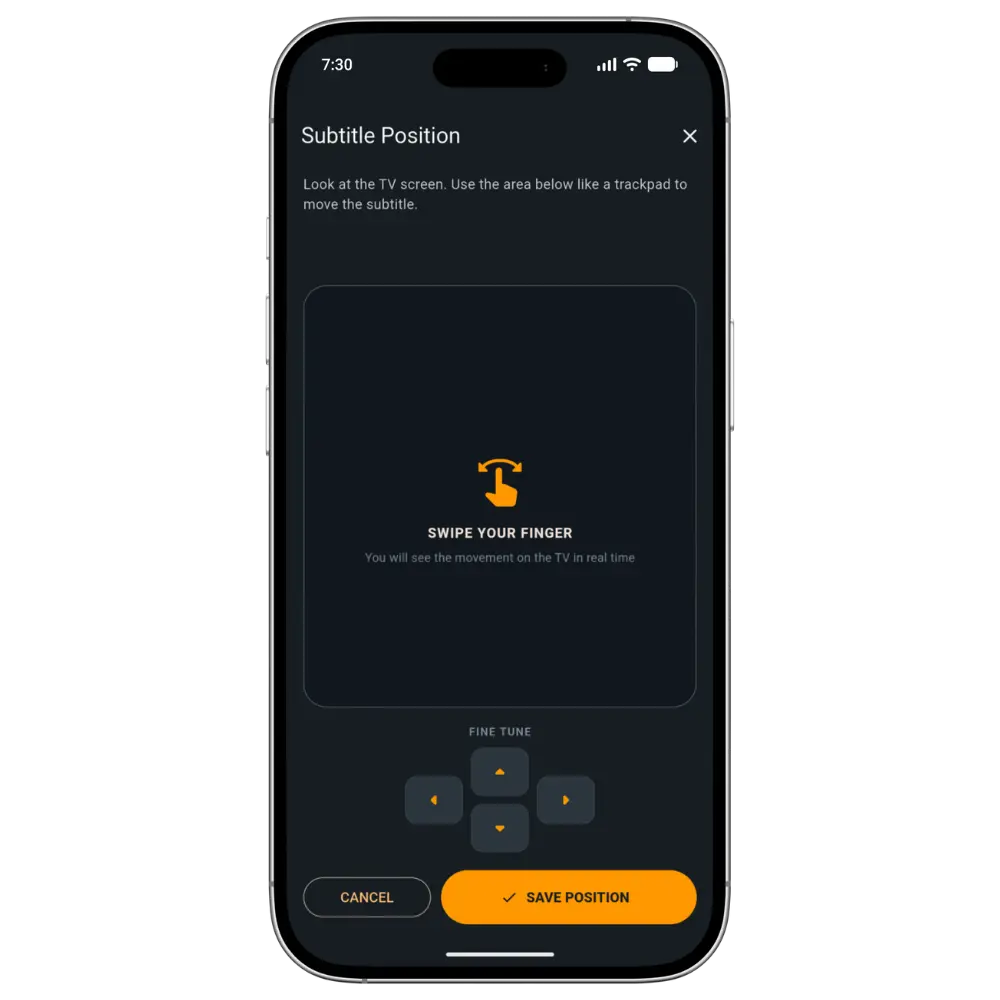
Move the overlay, set a custom hotkey, and tune font size and background opacity without leaving the game flow.

Account-based plans

There is only one NoBarrier installer. Signing in unlocks the features and credits included in your active plan.

One installer

No separate Free, Premium, or Pro downloads.

Everyone installs the same NoBarrier application. After sign-in, the desktop app reads the active plan from Supabase and unlocks the correct modes, memory limits, and credit allocation.

  1. 01

    Download NoBarrier

    A single signed Windows installer.

  2. 02

    Sign in

    Your account is shared by the website and desktop app.

  3. 03

    Plan unlocks

    Supabase returns Free, Premium, or Pro access.

Early access

Start with the beta. Grow with the product.

The first public website phase focuses on product clarity, a safe download path, pricing structure, legal pages, and support. Checkout and automatic plan activation follow in phase two.

Read beta notes